Stay Consistent. Achieve More.
A personal task, reminder, and goal-tracking app built on one idea: a plan you don't follow isn't a plan. Missed tasks get caught automatically. Focus sessions can carry a real, self-imposed cost for quitting early.
No spam, nothing to sell you yet — just one email when we launch.
See it
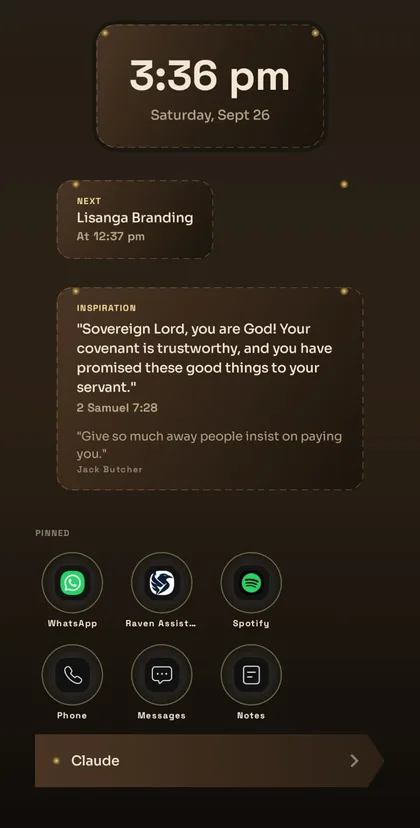
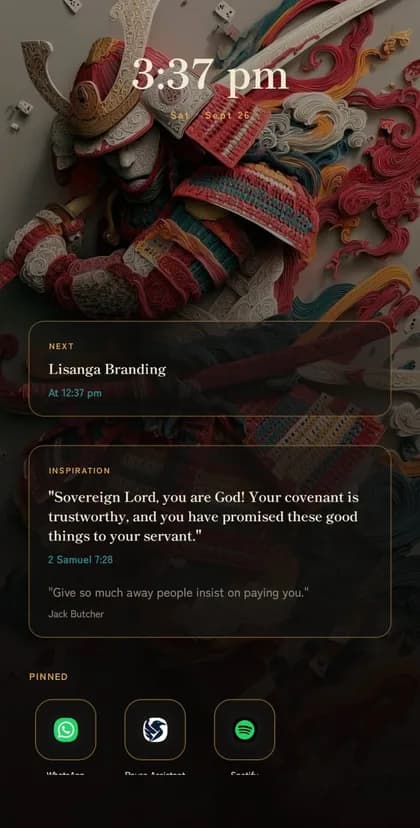
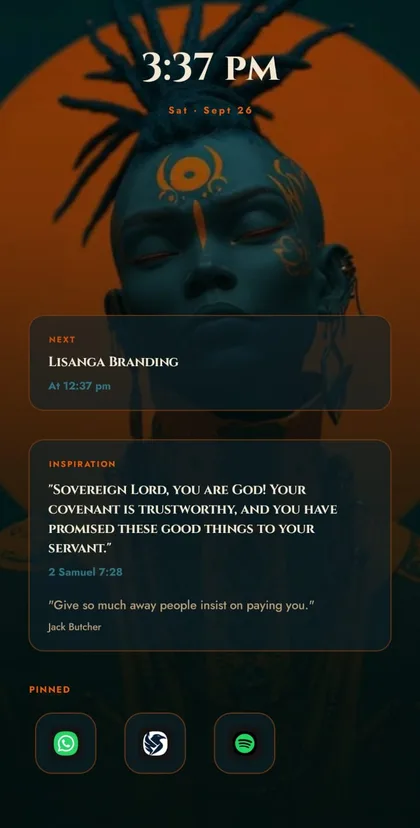
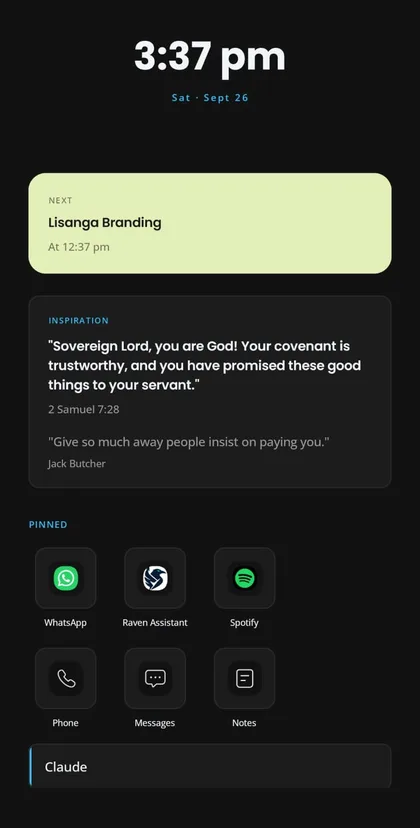
Straight from a phone running Raven Assistant — swipe through.
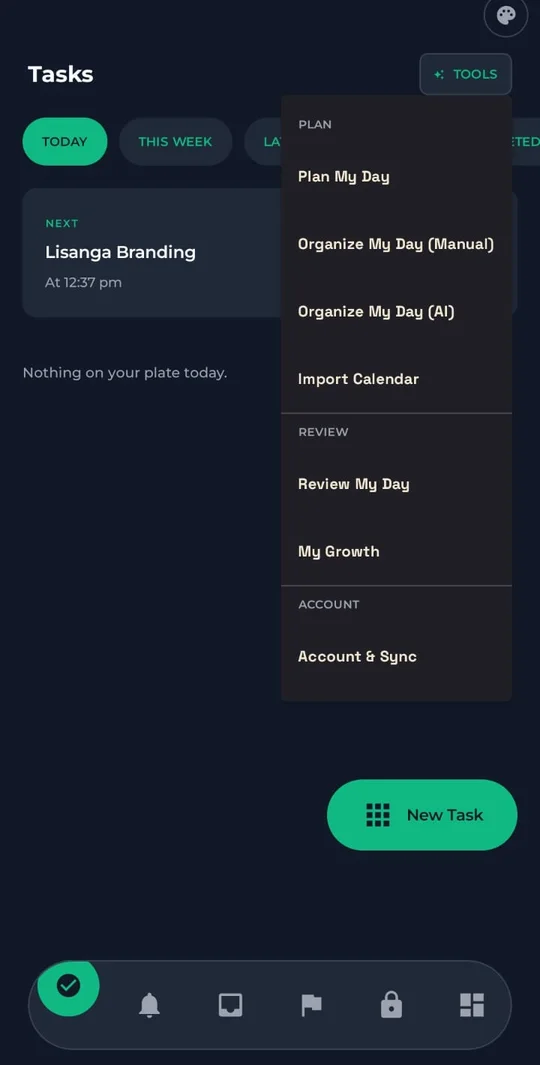
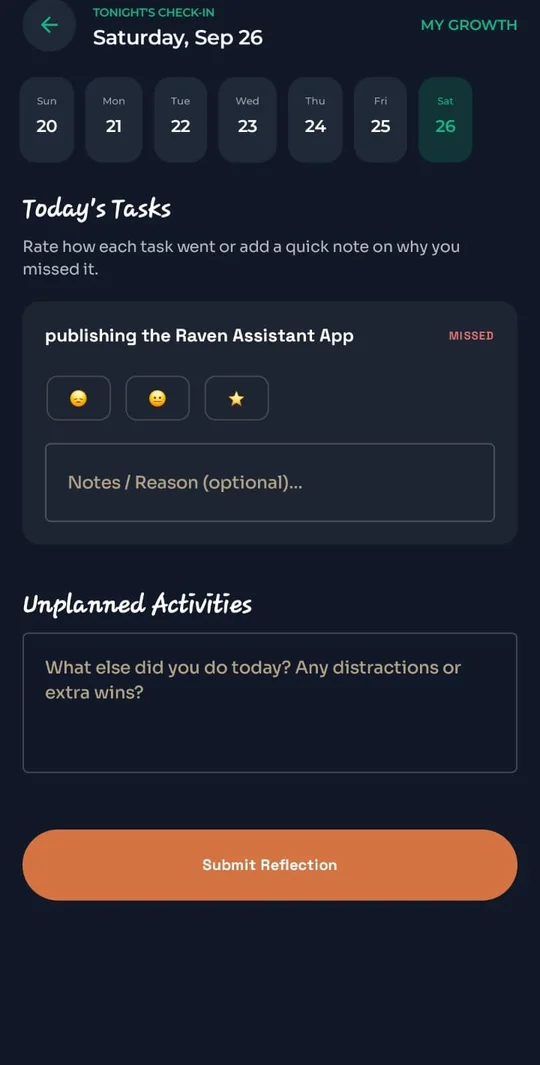
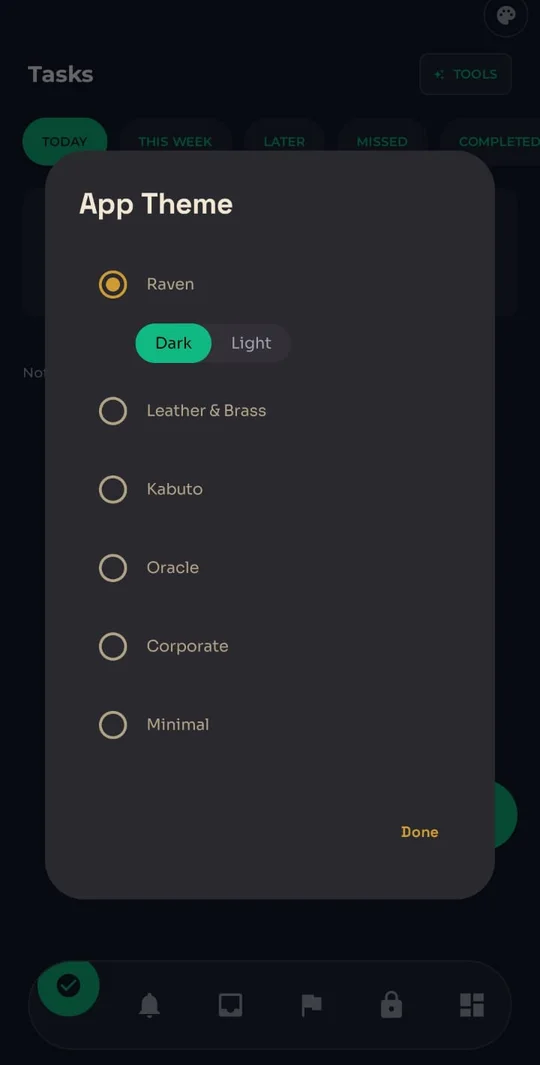
What it actually does
Every item below is a real, shipped mechanism — not a mockup of a feature that's still an idea.
Start a session and Raven can enforce it — an accessibility guard redirects you out of anything outside your allowlist, Do Not Disturb switches on, and a persistent countdown keeps the stakes visible. Leaving early can cost a real fee you set for yourself, charged the moment you quit.
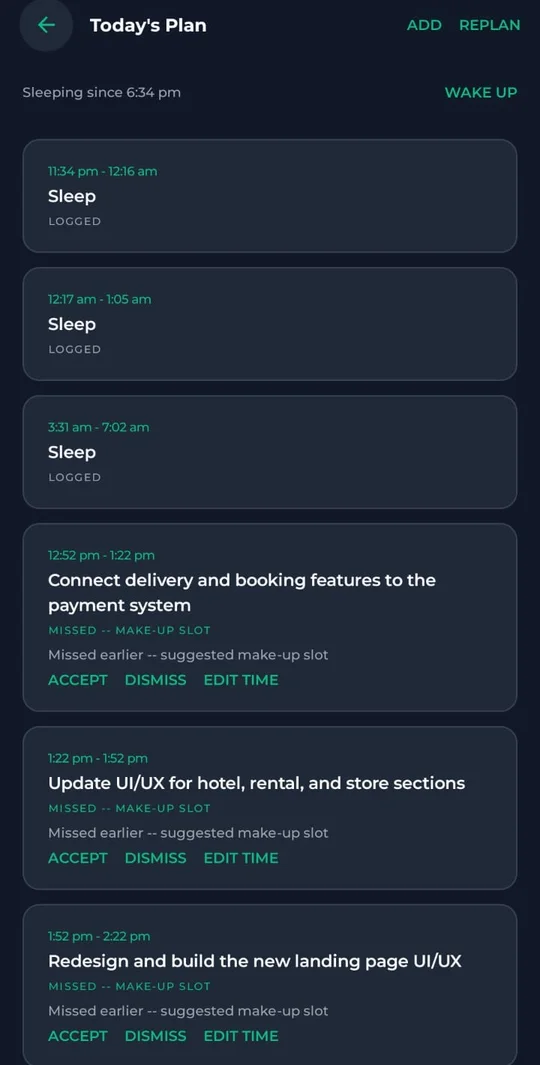
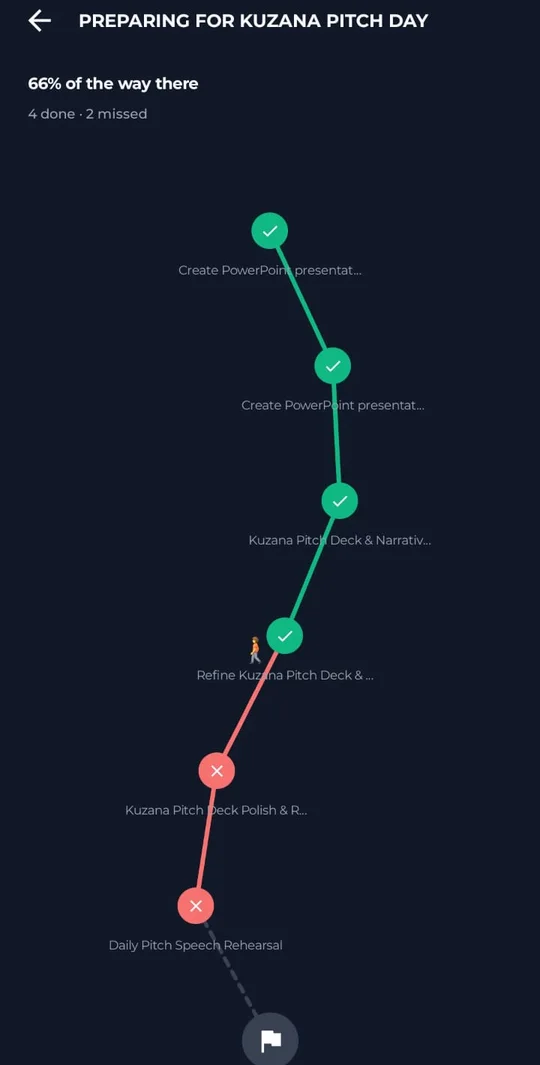
A scheduled task that runs past its end time doesn't just sit there — it flips to Missed on its own, and Raven immediately proposes the next open slot to make it up.
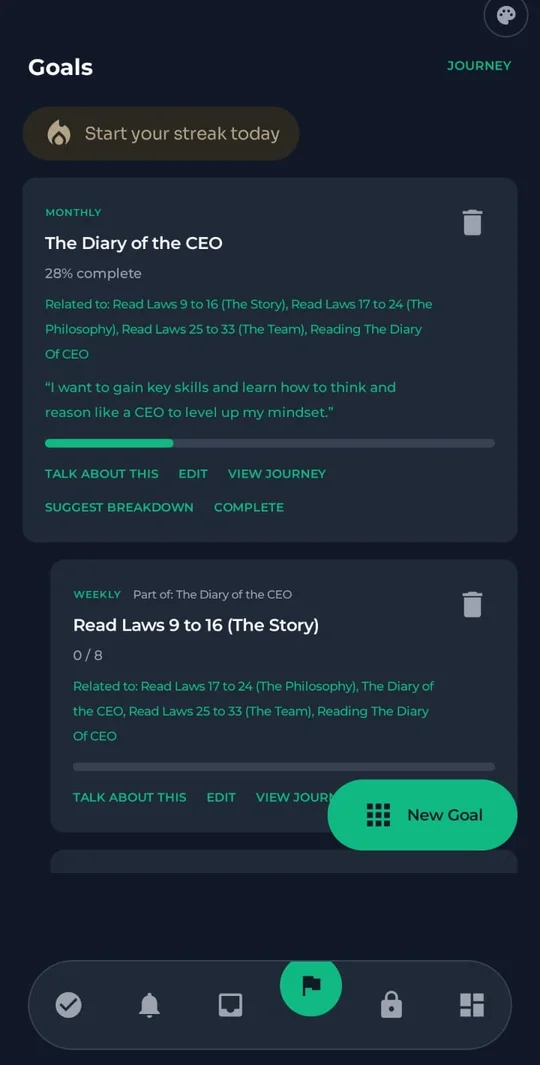
Yearly, Monthly, and Weekly goals roll into each other automatically. Finish a linked task and progress climbs the whole hierarchy — no one touches a progress bar by hand.
A real back-and-forth about a goal's plan and motivation, one question at a time — ending in suggested tasks, habits, or reminders you review and approve.
Plan My Day lays out what's fixed, what's missed, and a protected sleep block sized to what you're actually short on — detected from your phone's own screen activity.
A nightly check-in folds in what really happened — logged sleep, which suggestions you took or skipped — so a 14-day growth trend means something.
Real calendar events are read straight from your phone and merged into every scheduling decision, so nothing Raven proposes collides with an actual meeting.
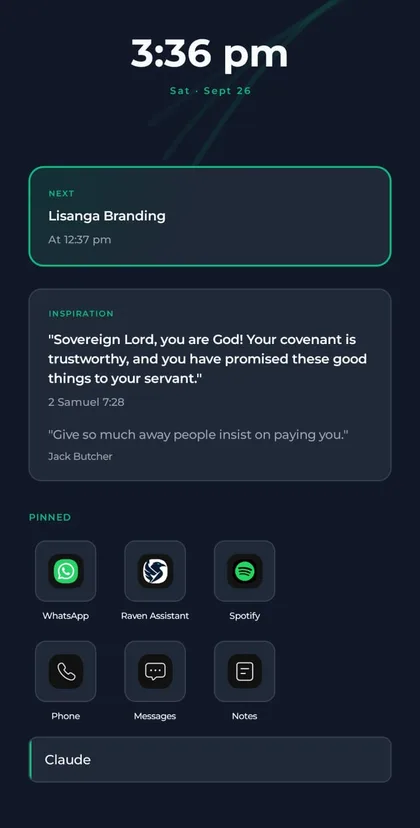
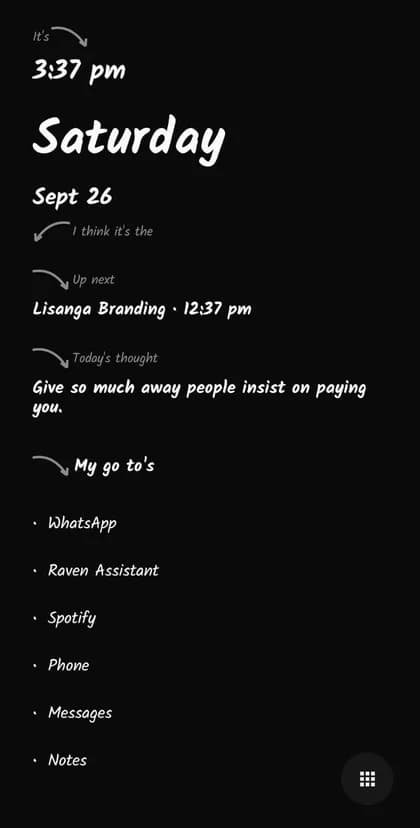
Six full visual themes — from a leather-and-brass instrument panel to a ceremonial-portrait build — reskin the whole app and replace your Android home screen.
Themes
Each one reskins the whole app and replaces your Android home screen — not just the colors.
How it works
“Plan My Day” lays out what's fixed, what's missed, and what's worth doing with whatever's left.
Start a session on the task that matters right now. Set a real cost for quitting early if you need one.
A two-minute check-in folded into a standing profile — so tomorrow's plan gets more accurate than today's.
Tasks, reminders, and goals are stored on your device. Sign in and a backup syncs to our servers so you can restore it on a new phone. AI features send only the text of the request you make, and you can delete your account and everything we hold at any time, right from the app. Read the privacy policy.
Raven Assistant is heading to the Google Play Store for Android. Join the waitlist and you'll get one email the day the listing goes live.
Yes. Tasks, reminders, goals, Focus Mode, day planning, and the Raven theme are free, with a fair daily allowance for the AI features. Raven Premium is an optional monthly subscription that raises the AI allowance and unlocks five more themes.
Not to track tasks, reminders, and goals — those live on your phone. You sign in to use the AI features and to back your data up so you can restore it on a new phone.
On your device. If you sign in, a backup syncs to our servers. AI features send only the text of the request you make. You can delete your account and everything we hold from inside the app, or from the delete-account page.
It's entirely optional. If you choose to attach a fee to a session, you set the amount yourself and it's charged only if you end the session early. You can always exit — the fee is the stake you chose, not a trap.
Not right now. Raven Assistant is built for Android first, since parts of it — like the Focus guard and the home-screen themes — rely on Android features.
Stay consistent. Achieve more.
No account, no spam — one email when the Play Store listing goes live.
No spam, nothing to sell you yet — just one email when we launch.

